1. Perform the AyaNova installation
•If you had previously installed AyaNova, just run the AyaNovaSetup.exe file for your version again
2. During the AyaNovaSetup.exe installation, select the Install Import and migration utilities

3. Complete the installation
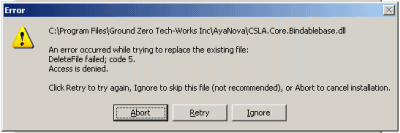
NOTE: if you get a message such as below about replacing a file, this is occurring because you have something running. Click Abort, and then check to make sure you do NOT have the AyaNova program running. Then run the installation again.
4. Run the Client import export utility from within the AyaNova program
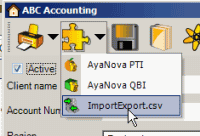
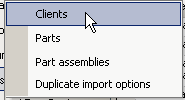
•From the main AyaNova menu bar to export or import
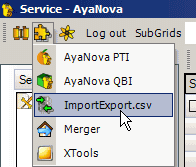
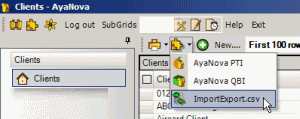
•From the Clients grid to export selected client records
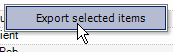
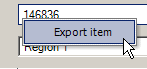
•From within a specific Client entry screen to export that specific client