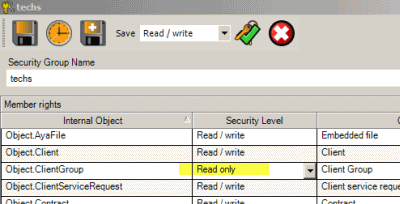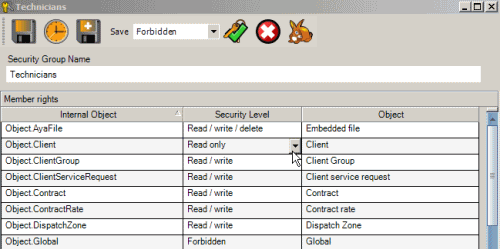
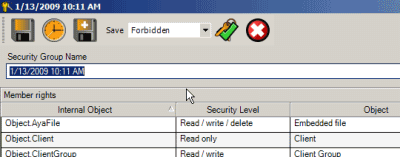
The Security Group entry screen is where the information on a Security Group is entered or edited, such as its name and what type of access to AyaNova features are enabled for this group.
Security Group entry toolbar:
Set all Security Levels to selected Level
Select a specific access right, and click on the  to apply that selected Security Level to all objects in that security group.
Duplicate
To make a duplicate of the existing security group, select the Duplicate  option. A new security group entry screen will display with todays date and time as the Security Group Name that you can further edit as needed.
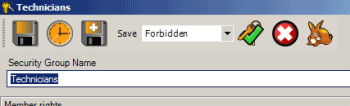
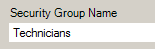
Security Group Name
Enter a descriptive name for the security group for easier selection within each user entry screen.
A name is required.
The Members Rights grid columns
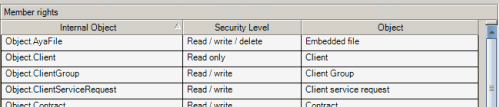
Internal Object - This equates to the AyaNova database’s internal name for the object
Object - This displays your localized name for the object
Security Level - This is the security level for that object
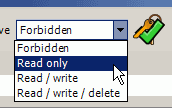
There are two ways to set security levels for the AyaNova objects:
1.Select a security level from the menu option, and select to apply to all objects
a. 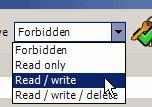
b. 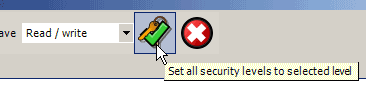
c. 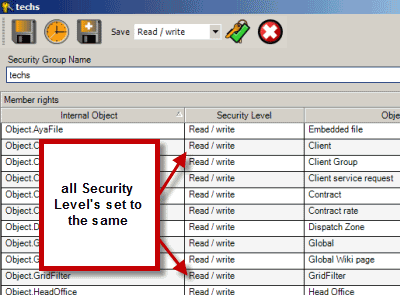
2.Select the individual Security Level for the individual object within the grid.
a. 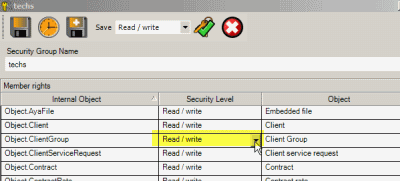
b. 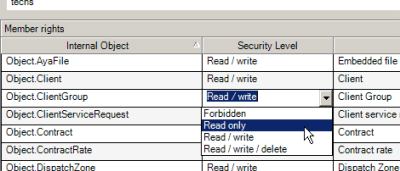
c.